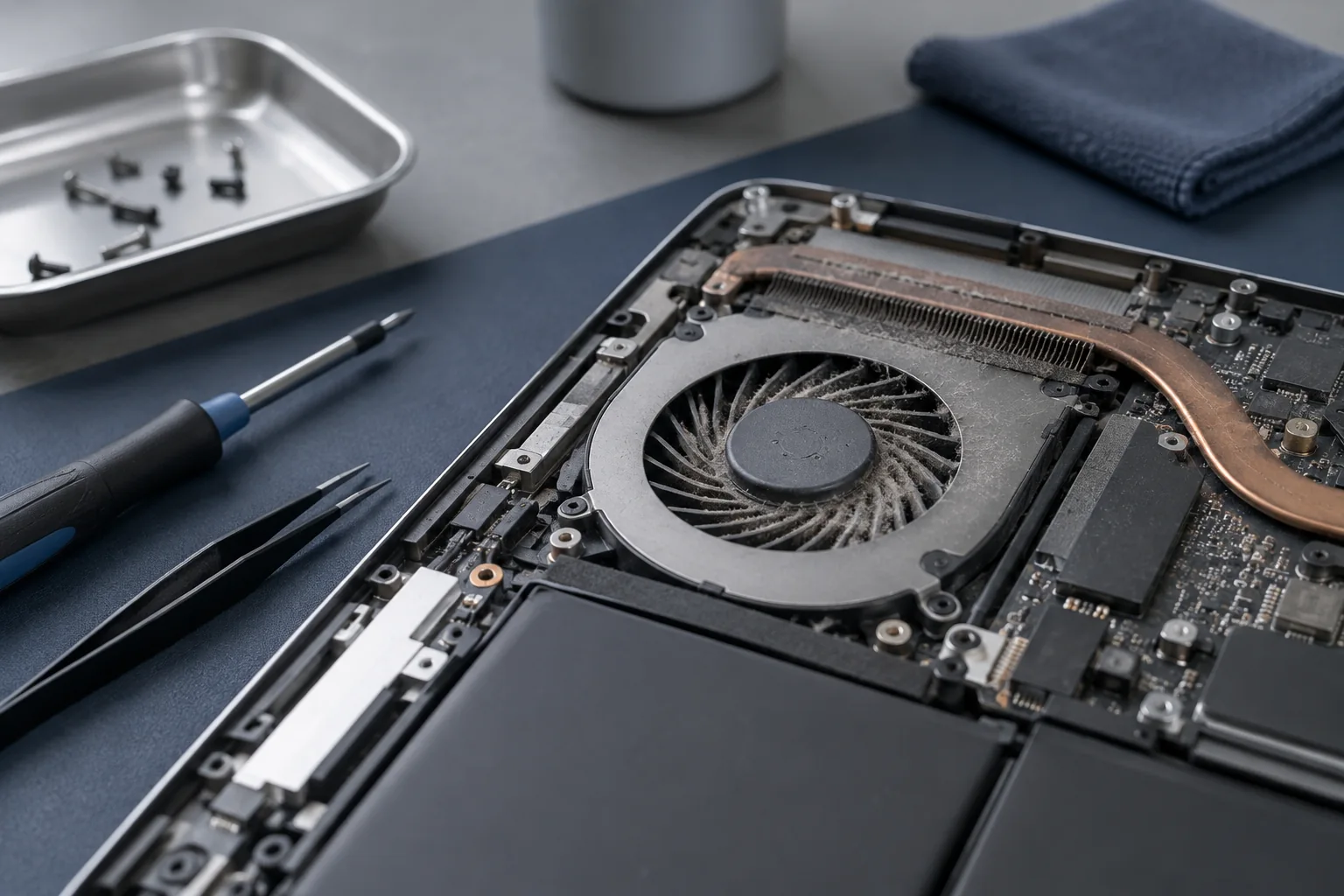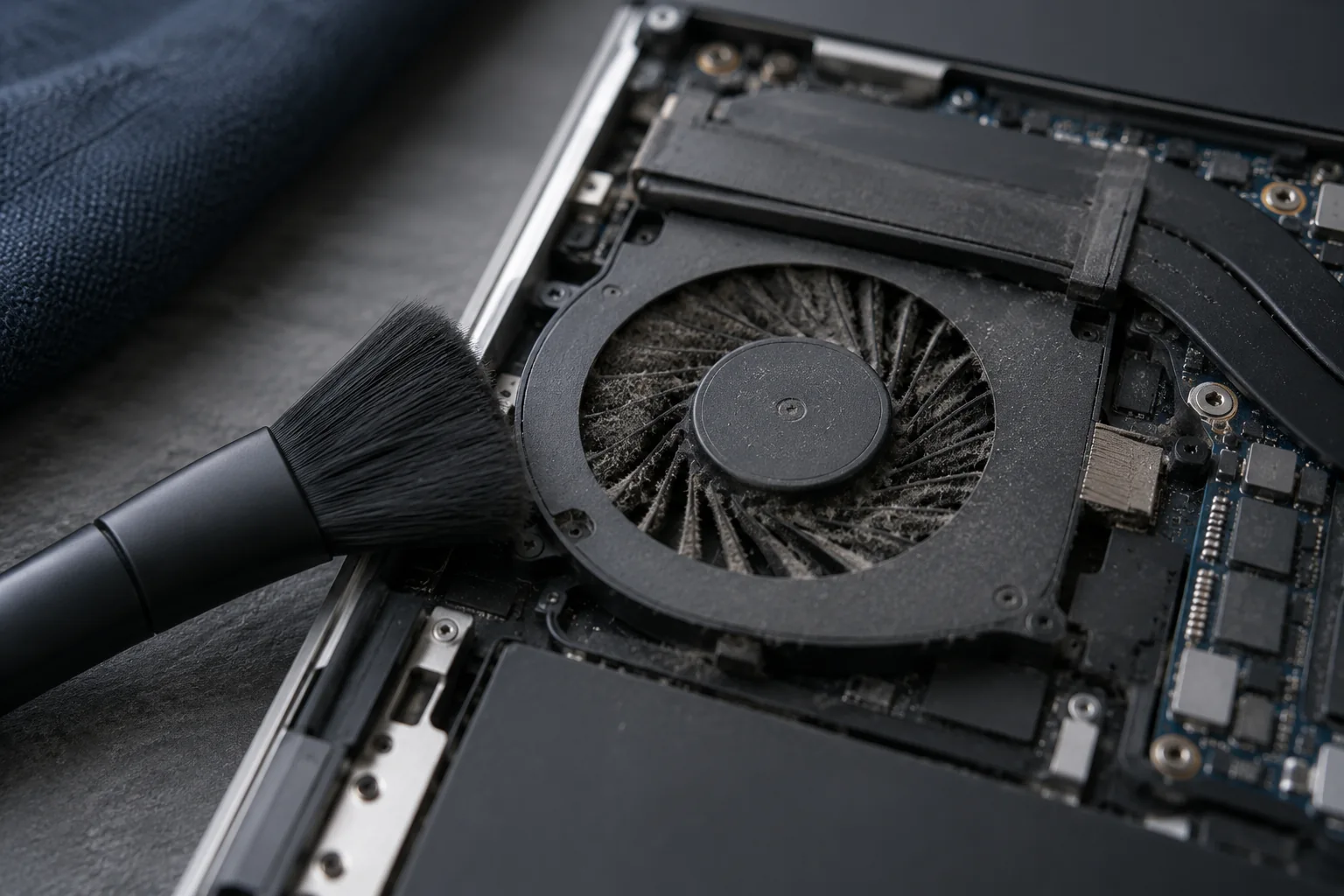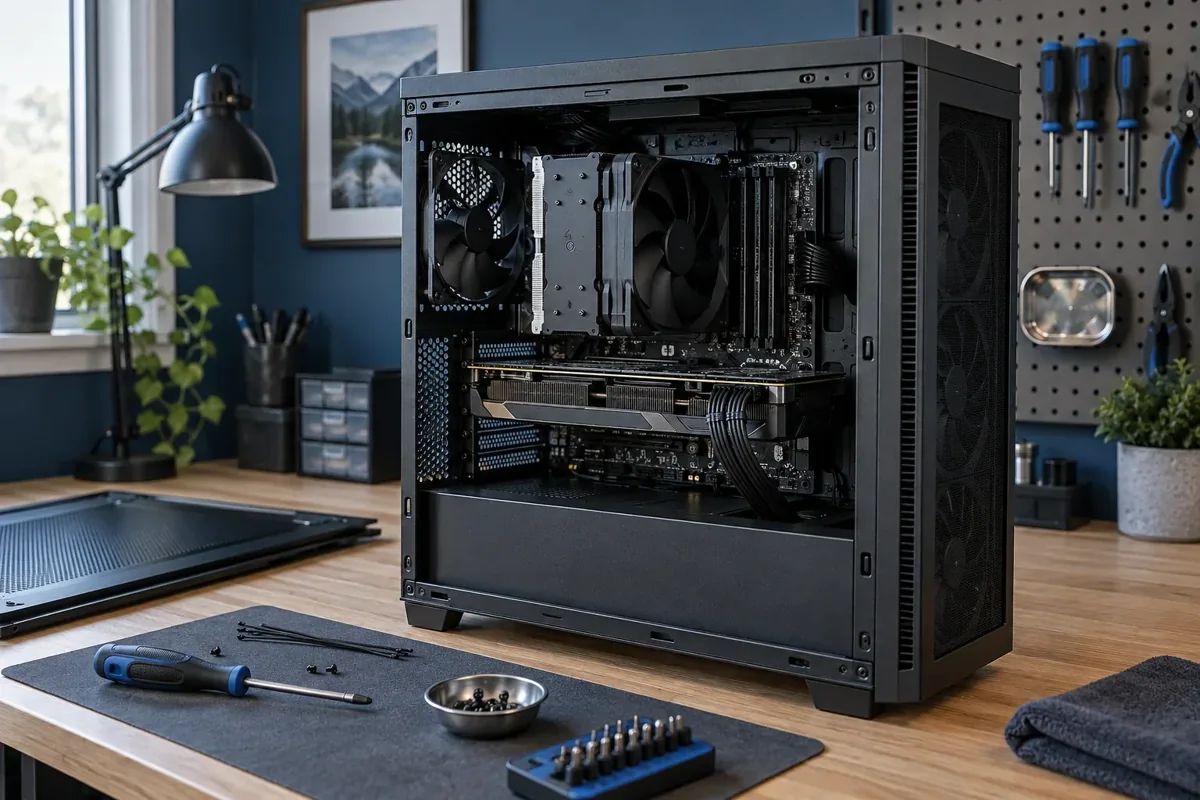
Shutdowns during gaming can involve cooling, power delivery or system instability. This symptom alone does not establish a graphics card fault.
Shutdown or an application crash?
A game closing while Windows remains responsive differs from complete power loss. Note whether the computer restarts automatically or needs the power button. Record the game, time before failure and any error message. These details make the fault easier to reproduce. Mention recent upgrades, especially if the computer was stable beforehand.
Cooling and airflow
Check for blocked vents and place a laptop on a firm surface. Temperature readings must be interpreted for the specific processor and graphics card rather than against one universal limit. If shutdowns recur, avoid repeatedly stressing the machine simply to confirm the symptom. Cleaning helps when cooling is actually responsible, rather than being a guaranteed solution to every shutdown.
Power after an upgrade
If the problem started after a graphics-card upgrade, power delivery and connections need assessment. The wattage label alone cannot establish compatibility. Do not reuse modular cables from a different power supply merely because they fit. Do not open the power supply enclosure yourself. A laptop also needs an appropriate charger with suitable power output.
What can a workshop check?
Diagnosis follows the symptoms and may examine cooling, stability, power and software. A log entry recording unexpected shutdown does not by itself identify a failed component. MB Kmvle agrees proposed work before repair. Bring the charger if the affected device is a laptop. The aim is to find the cause instead of replacing working components by guesswork.
What to check before repair
Record whether all power disappears, the computer restarts or only the game closes. Check that the charger has the correct rating and whether several games are affected. Record original settings before changing them.
Choosing the next step
Do not repeat long stress tests if there is a burning smell or repeated power loss. Never open a power supply. The sequence of events helps diagnosis; an unexpected power-loss log entry does not identify the failed part by itself.
If these signs persist, learn about the checks and service: Computer diagnostics.
More questions answered
Should I replace the power supply immediately?
No. Its suitability, connections and alternative causes need checking first.
Does a game closing always mean overheating?
No. Game errors, drivers or unstable memory can also cause this.
Need help?
Describe when the symptom occurs, your model and the checks already performed. We agree the scope before repair.