A hot case alone does not prove a fault. Check whether heat comes with slowdowns or shutdowns and whether it happens only under load.
Common causes
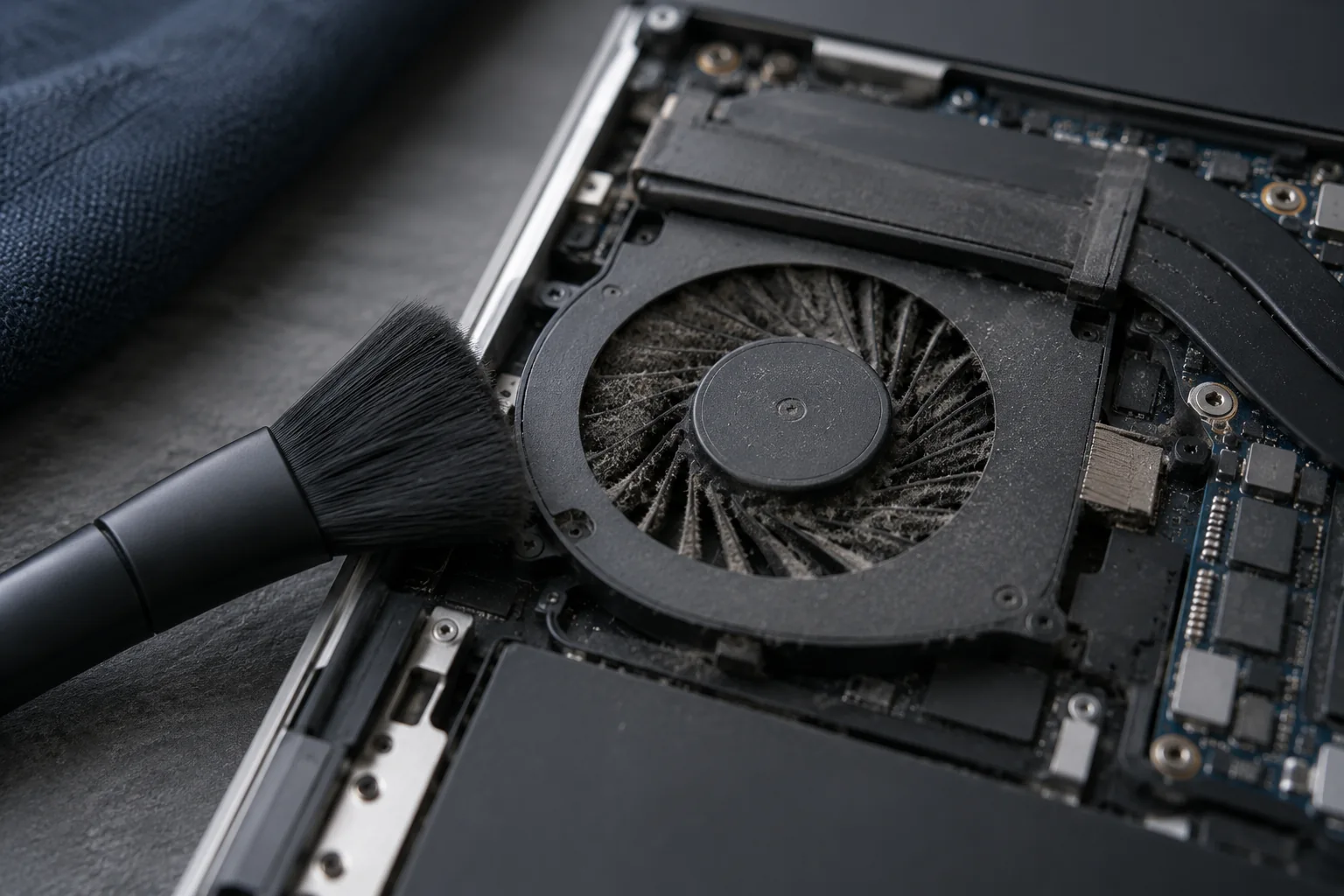
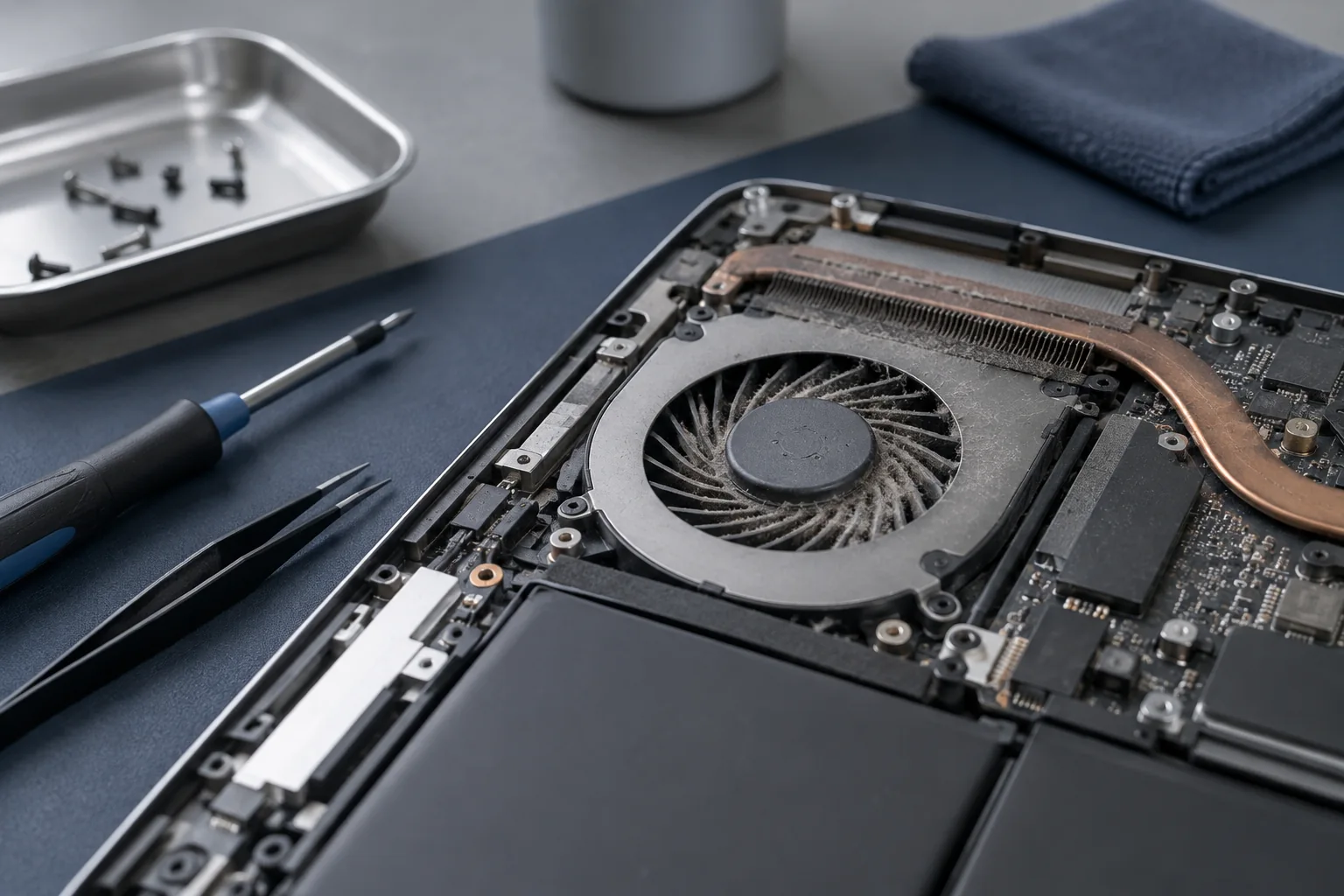
Dust, dried thermal paste, blocked vents or a failing fan can prevent proper cooling.
Safe checks
Use the computer on a hard surface and make sure the air vents are not covered.
When service is needed
Persistent noise, performance drops or shutdowns under load require cleaning and temperature testing.
Interpret temperature alongside symptoms
One temperature reading is not a diagnosis. The model, current workload and any loss of performance all matter. Compare normal use on a desk with the laptop’s previous behaviour. If it becomes hot while apparently idle, check background applications. Stop demanding tasks if shutdowns recur. Inspection determines whether cleaning or another repair is needed.
What to check before repair
Compare idle operation with an ordinary task and make sure a soft surface is not blocking the vents. Note the model, application and when the noise begins. A single temperature limit does not apply to every processor.
Choosing the next step
Dust, a worn fan and poor heatsink contact can cause similar symptoms. New thermal paste cannot repair a failed fan or heat pipe. Stop demanding tasks if shutdowns recur and arrange an inspection.
If these signs persist, learn about the checks and service: Cooling system cleaning.
More questions answered
Will a cooling pad solve the problem?
It may improve airflow, but cannot replace cleaning a clogged heatsink or repairing a failed component.
Must thermal paste always be replaced?
No. Identify the cause first and check the cooling design of the specific model.
Practical checklist
- Keep vents clear and use a hard surface.
- Record the application running when the problem appears.
- Do not judge the need for thermal paste replacement by fan noise alone.
Need help?
Describe when the symptom occurs, your model and the checks already performed. We agree the scope before repair.