Separate holding from tapping
A held key repeats according to system settings. Two characters from one brief tap suggest checking the contact or input processing. Note whether every key is affected or only a particular one.
Compare applications
Try a plain text editor and another application. Macros, gaming profiles and input utilities can repeat an action. If only one application is affected, inspect its settings before ordering a replacement keyboard.
Settings can conceal a symptom
Repeat delay and accessibility filters change input behaviour but cannot repair a failing contact. Record original values before changing them. Testing an external keyboard helps distinguish a system issue from the built-in hardware.
When replacement may be appropriate
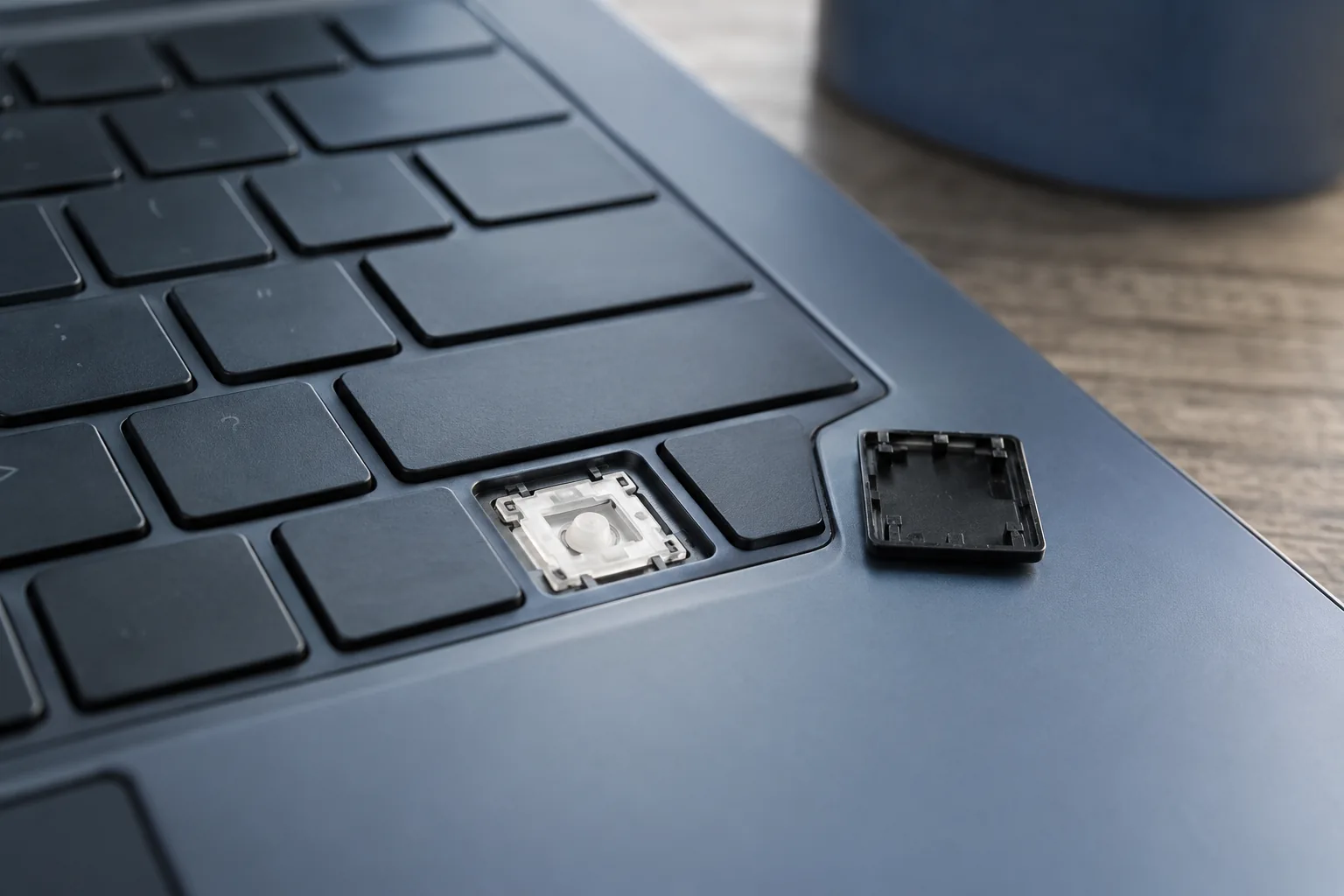
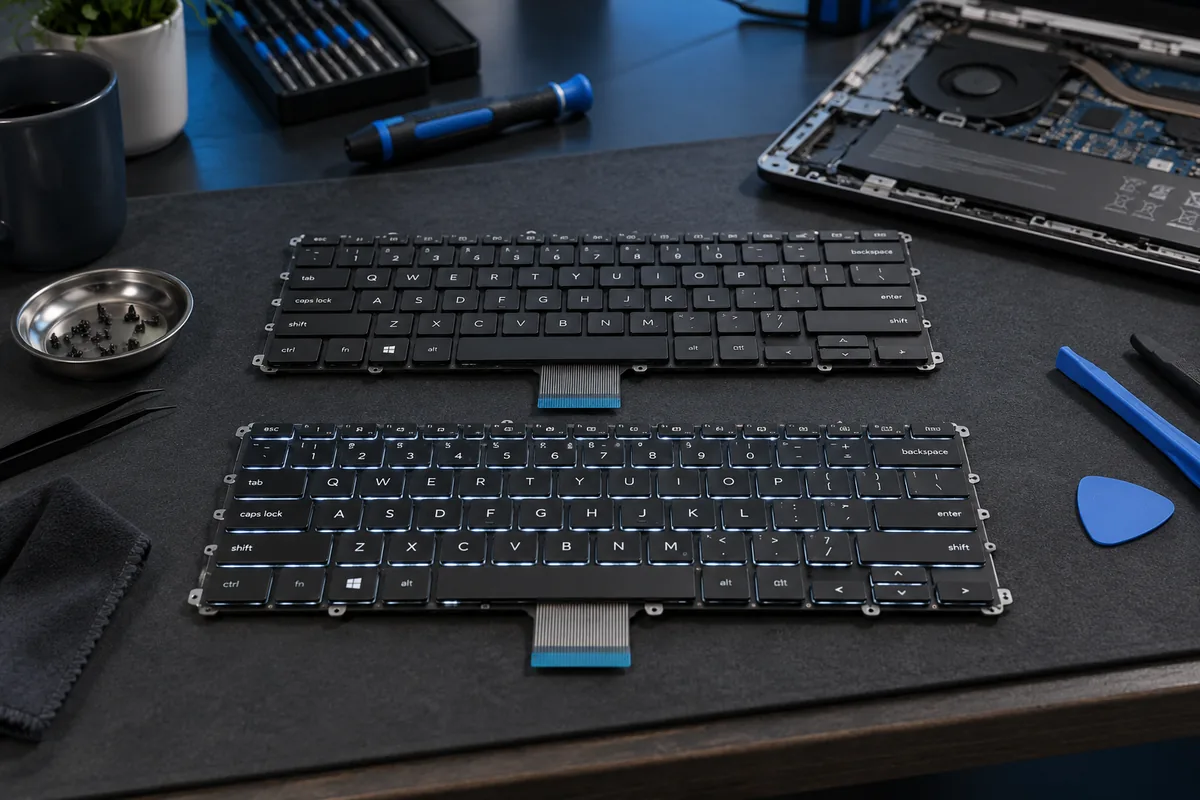
A particular physical key repeating across every application, especially after a spill, may need repair or replacement. Do not pour cleaner beneath the keys. The service team needs the mounting design and any damage history.
Need help?
Describe the symptoms and share the model. We agree on the work and price before repair.