Recognise the numeric mode
Some compact laptops share letter keys with an embedded numeric keypad. Enabling Num Lock can make those letters produce numbers. Look for secondary key legends and check the model's documented switching method.
Avoid random key combinations
The Num Lock or Fn combination varies by device. Pressing function combinations at random can change brightness, wireless settings or other modes. Identify the intended key and observe its indicator, if one is provided.
Check language and an external keyboard
If an external keyboard also produces unexpected symbols, inspect the system input language. A different layout changes punctuation and symbols without indicating damage. Compare typing in a plain text editor rather than just one website.
When repair may be needed
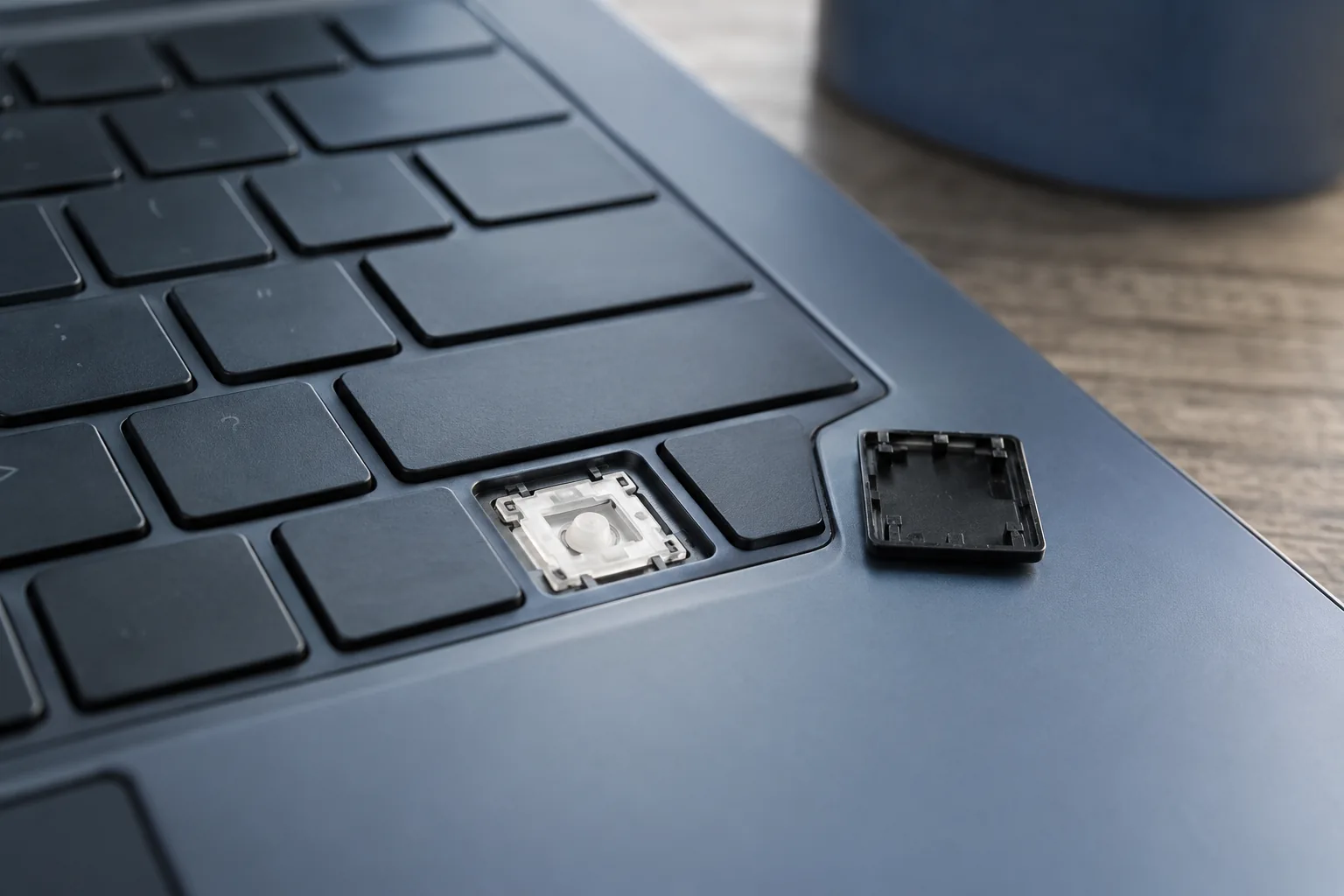
Random multiple characters, failure of a group of keys or a recent spill may indicate hardware trouble. Record which keys are affected. Do not force keycaps off: fragile mechanisms can break and complicate repair.
Need help?
Describe the symptoms and share the model. We agree on the work and price before repair.