The pattern helps identify the cause
If the clock is consistently one or more hours wrong, check the time zone first. If an old date or BIOS message returns after power is disconnected, another cause is likely. Compare the time immediately after startup and after connecting to the internet. Note whether other BIOS settings or boot order also change.
Review system settings
Check automatic time and the selected time zone in Windows date and time settings. An organisation may manage a work computer, so do not alter management rules yourself. Incorrect time can disrupt sign-in and certificate validation. Do not bypass browser security warnings just to open a website: correct the cause first.
When is the CMOS or RTC battery suspected?
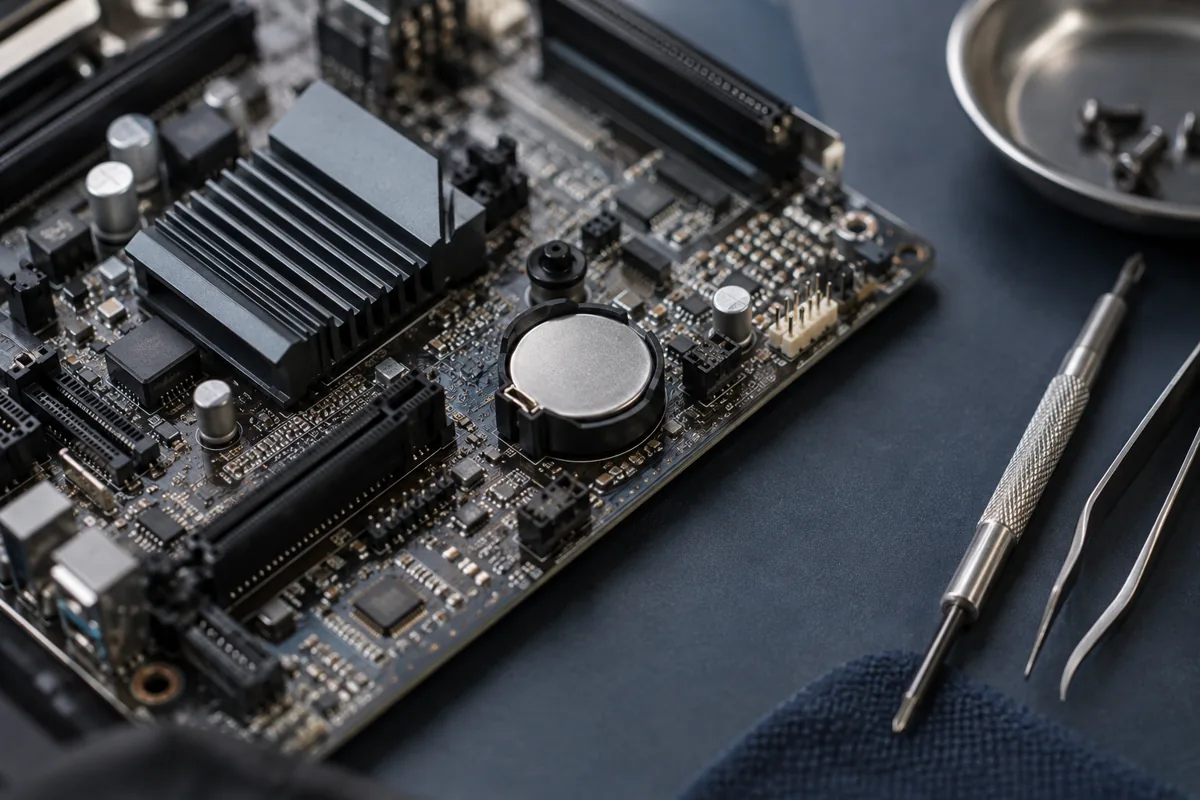
Some computers have a separate small battery to maintain the clock and settings. A depleted battery can cause the date to reset when main power is removed. Laptop designs vary, including connector and polarity. A similar round shape does not establish compatibility.
Why not simply remove the battery?
Resetting BIOS may change storage-controller or boot settings. An encrypted system may request a recovery key after configuration changes. Know the previous settings and have access to required keys before physical work. Disassembling a laptop is not the first response if time zone and synchronisation remain unchecked.
What should you tell the service centre?
Provide the model, the date it reverts to and whether this happens only after prolonged disconnection. Photograph any CMOS checksum or similar message. The battery, connection and clock circuit can be tested. If the problem returns with a suitable healthy battery, investigate further rather than repeatedly resetting the clock.
Quick checks
| Situation | What to check | What it means |
|---|---|---|
| Clock differs by several hours | Check the time zone | Review settings before replacing a battery. |
| Date resets without power | Record the BIOS message | RTC power should be checked. |
| Browser reports a certificate problem | Check the actual date | Do not disable security checks. |
Need help?
Describe the symptoms and share the model. We agree on the work and price before repair.