Start with the case design
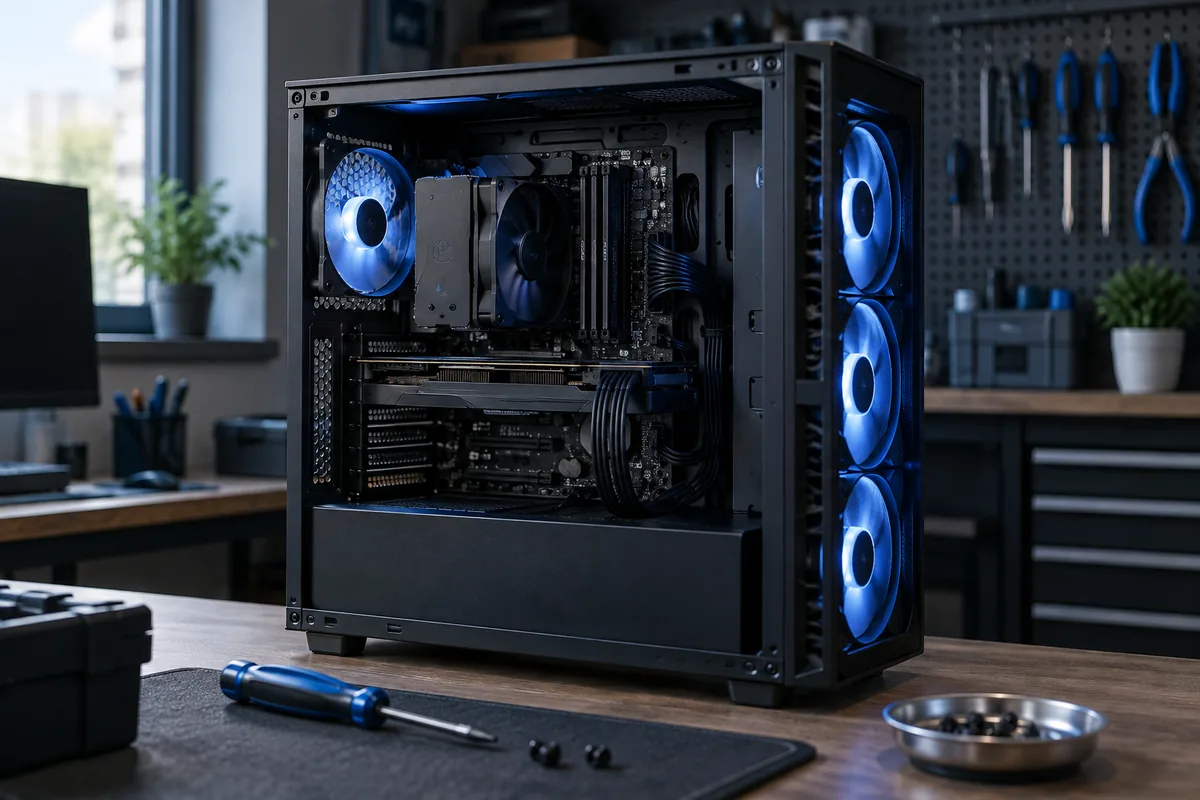
Front or bottom intake with rear or top exhaust is common, but not universal. A closed front panel, radiator placement and graphics-card design can change the best arrangement. Check the case instructions before choosing a layout.
Identify airflow direction
The fan frame may carry an airflow arrow. Do not rely solely on the RGB-facing side: reverse-blade fans exist. Fan direction should match filter placement, otherwise air may enter through unfiltered openings.
More is not always better
Fans working against each other can increase noise without useful airflow. Speed, resistance and placement matter alongside quantity. Cables must not touch blades or obstruct the main airflow path.
Evaluate one change at a time
Compare CPU and GPU temperatures under the same workload. Change one variable and observe noise as well as heat. If temperatures rise sharply with the side panel closed, inspect intake openings, filters and the overall cooling layout.
Need help?
Describe the symptoms and share the model. We agree on the work and price before repair.