Where does the noise come from?
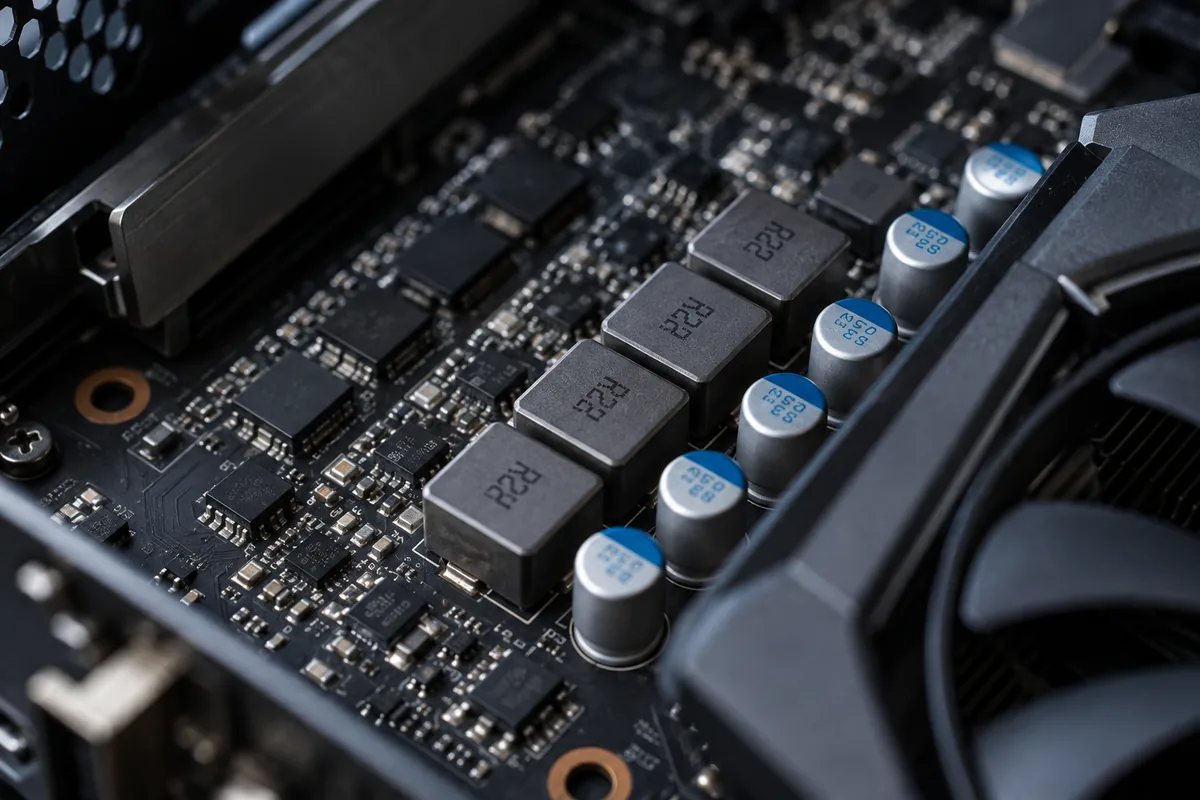
Power-circuit components can produce a high-pitched sound that changes with workload. It may resemble a squeal or buzz. Sound alone cannot reliably identify the exact component or establish that it is defective.
Distinguish it from a fan
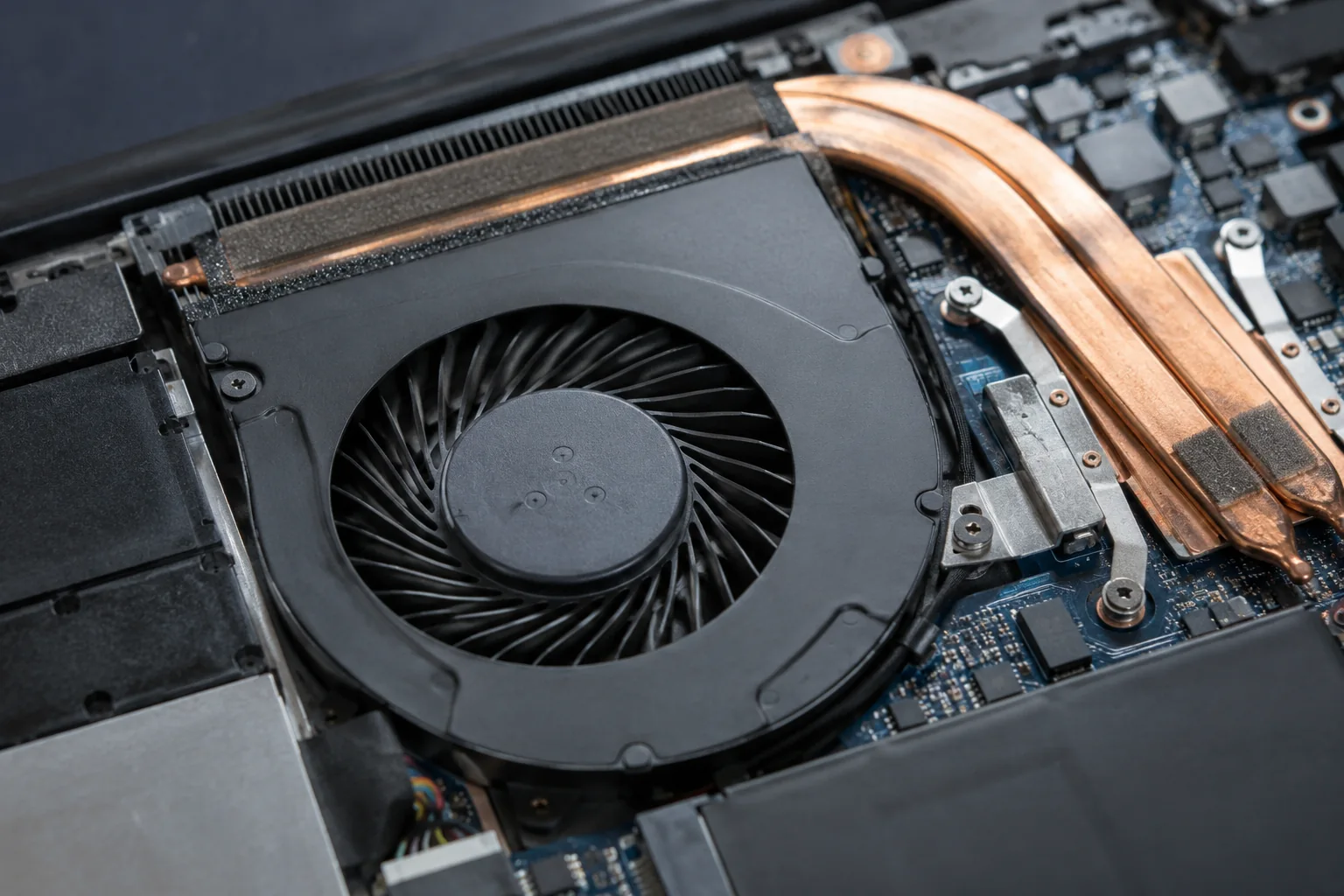
Fan noise usually follows airflow and speed, whereas coil noise can change immediately when a game menu opens. Note whether it seems to come from the adapter, case or graphics-card area. Never open a power supply to locate the sound.
A useful comparison
Compare the same application with and without a frame-rate cap, without changing voltage settings. Note whether the noise occurs only with a particular adapter. These observations help diagnosis but do not by themselves establish that a device is safe or faulty.
When to stop using it
Burning smells, sparks, excessive heat or interrupted power must not be dismissed as ordinary coil whine. Turn off the device and seek assistance. Where the issue is purely acoustic, possible remedies and warranty treatment depend on the particular component.
Need help?
Describe the symptoms and share the model. We agree on the work and price before repair.