Notice when corruption appears
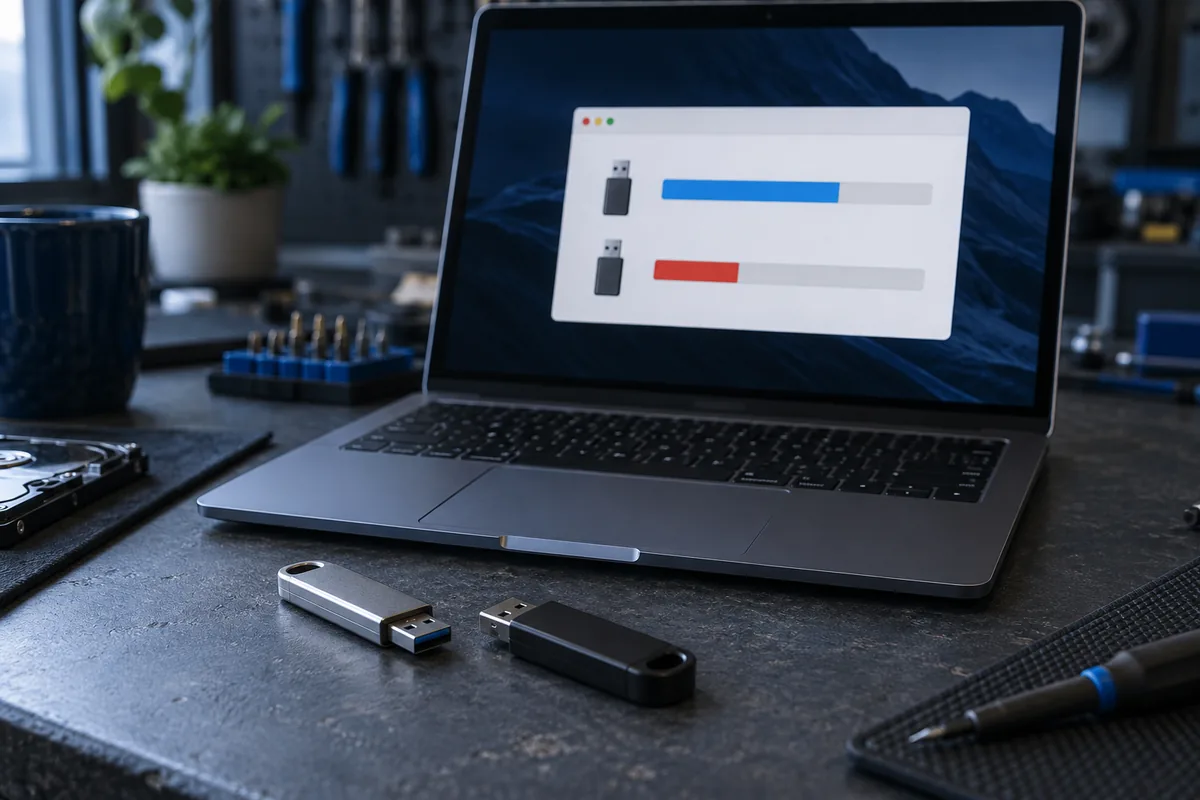
If early files open but later copies fail, investigate actual capacity and drive condition. This alone does not prove counterfeit storage: failing memory or controllers can behave similarly.
A capacity test can erase contents
A full write-and-read test generally fills the device. Preserve needed files elsewhere first. Do not run it on the only copy of important documents before making and checking a separate copy.
Verify actual files
A successful copy dialogue does not establish reliability. Open files of different sizes and compare them with originals. Copying an already damaged file again does not repair it; retain the original source until checks finish.
Retire unreliable media from critical use
Do not keep your only copy on it even if formatting temporarily helps. Record the model and purchase details. Replacement is often more sensible than trusting a device after repeated errors.
Need help?
Describe the symptoms and share the model. We agree on the work and price before repair.