If USB-C provides no charging or display output at all: USB-C will not charge or display an image: what to check
Find the requirements for your exact laptop
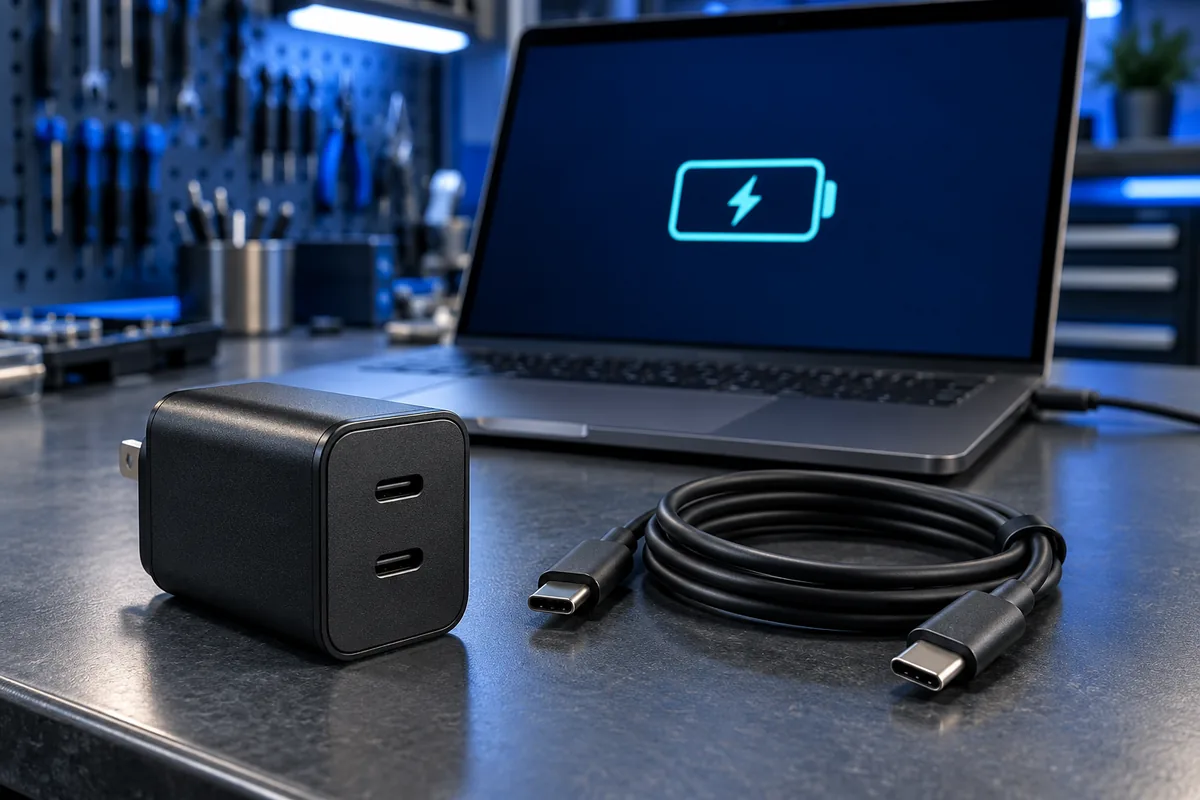
Check the manufacturer’s documentation for USB-C charging support, the correct charging port and required power specifications. A matching connector shape does not establish compatibility. Record the charger model and output information. If the normal adapter uses another connector, assess USB-C charging using the laptop documentation rather than assuming that a charger suitable for your phone will also meet the computer’s needs.
Separate total power from power per port
The prominent rating on a multiport charger may describe its total output. Connecting additional devices can change the allocation according to that particular model’s distribution scheme. For comparison, connect only the laptop to the recommended port. Note whether removing a phone changes the behaviour. Do not treat single-port and multiport operation as equivalent without checking the manufacturer’s allocation table.
Include the cable in your checks
The cable must meet the power requirements of the computer and charger; appearance alone cannot establish that. Compare with a documented compatible cable. If a dock is involved, try the charger connected directly to the laptop. Avoid frayed, scorched or physically damaged cables. Do not insert metal objects into a connected port or force a plug that meets unusual resistance.
Compare idle and active use
Record the battery percentage, attached devices and running task. Compare charging while idle with charging during your normal workload. Microsoft also suggests checking while the computer sleeps or is switched off. This is not a battery-health measurement, but it produces a clearer symptom report. Avoid deciding to replace a component based on one brief percentage change without a repeatable comparison.
Know when to stop testing
Disconnect the charger if the connector becomes unusually hot, smells burnt, looks distorted or only charges when the cable is held at an angle. Do not tape the cable into a strained position. Bring the laptop, charger and cable for assessment so the complete chain can be examined. Slow charging alone does not establish that the charging socket needs repair.
Sources and further reading
Need help in Vilnius?
Describe the symptoms and tell us your computer model. We will assess the situation, suggest suitable work and agree on the price before starting.