Read the notification’s origin
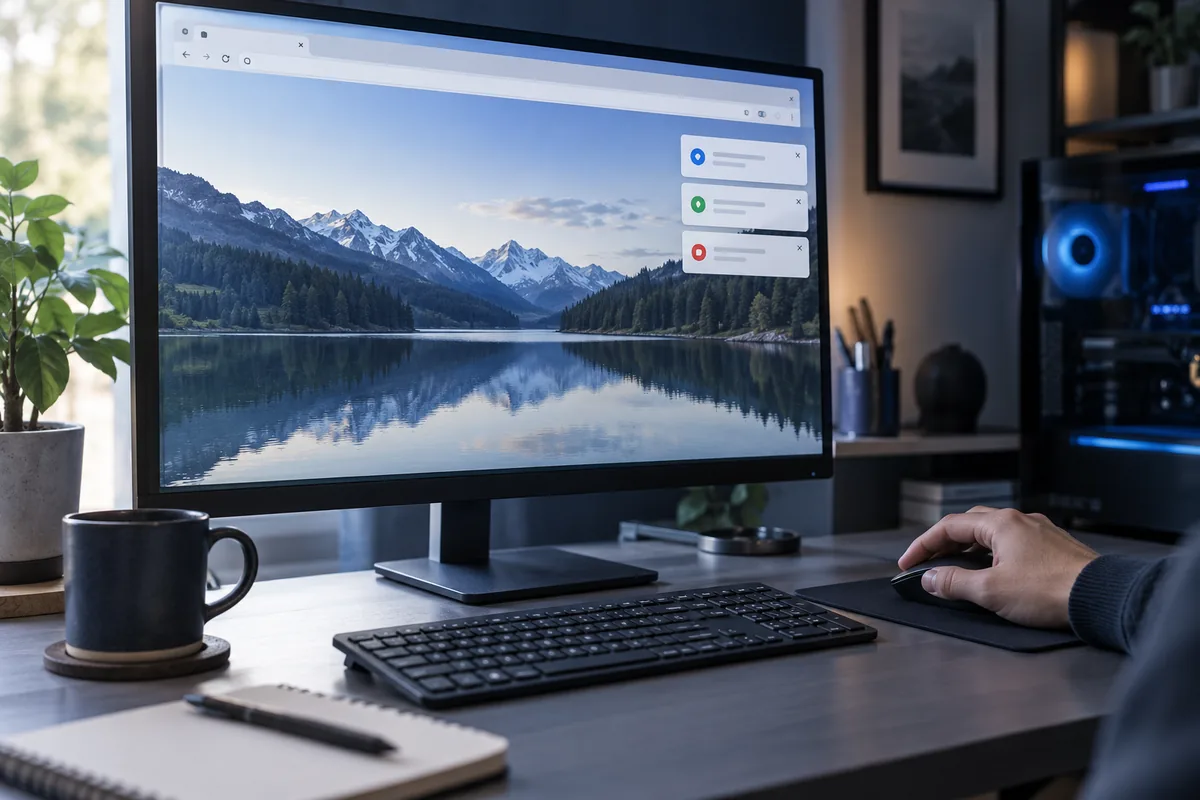
The browser or website name is often shown. Record it and do not open an offered download. A browser notification can resemble a system warning even though an unrelated website sent it.
Review website permissions
Find notification permissions in browser settings and inspect the allowed-sites list. Revoke an unfamiliar site’s permission rather than deleting the entire profile. Necessary work notifications need not be disabled if one specific source has been identified.
Check extensions and downloads
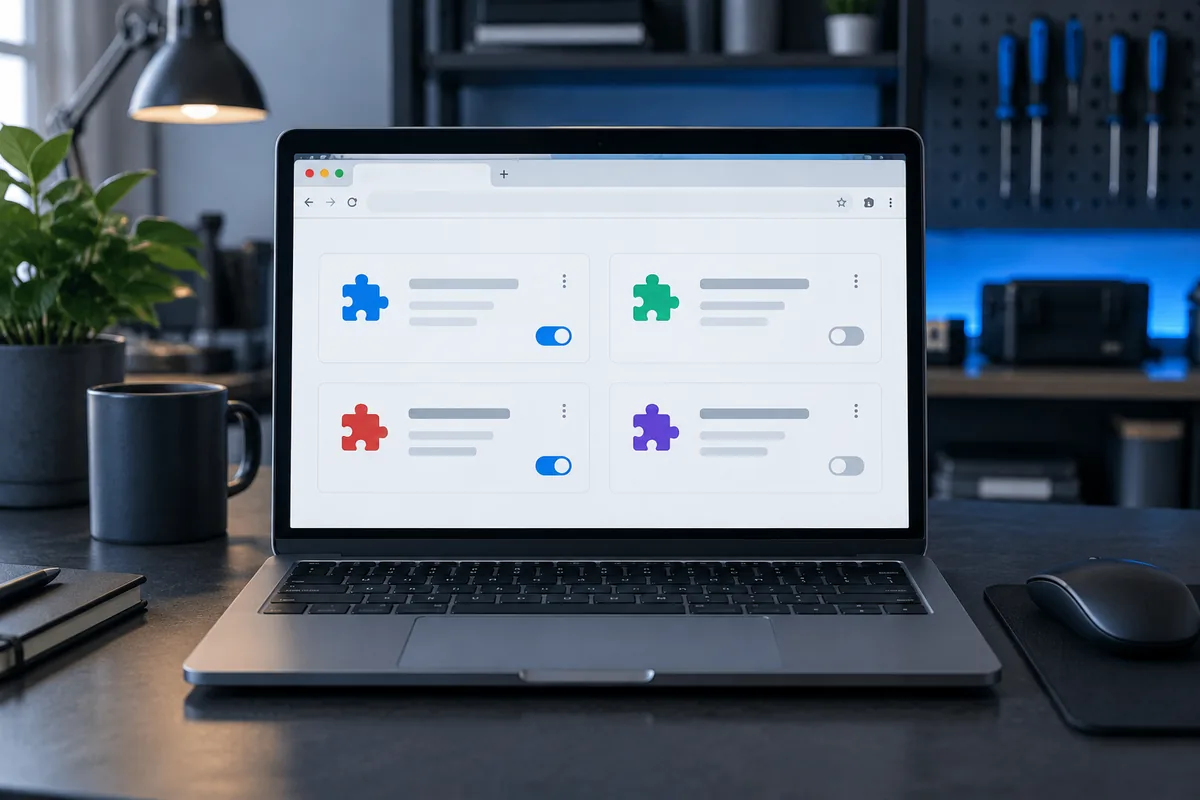
If advertisements open in new tabs, review recently installed extensions. Change one thing and test the result. Do not run a downloaded file merely because it is named “security update”; a filename does not establish its origin.
If the behaviour returns
Synchronised settings or another application may restore unwanted behaviour. Broader account and system checks may then be necessary. Browser advertising alone does not prove the computer needs complete erasure.
Need help?
Describe the symptoms and share the model. We agree on the work and price before repair.