One website or the whole browser?
Open several unrelated sites and a local document. If only one page struggles, reinstalling Windows is not a justified first step. Note whether the problem began after an extension was installed.
Test extensions individually
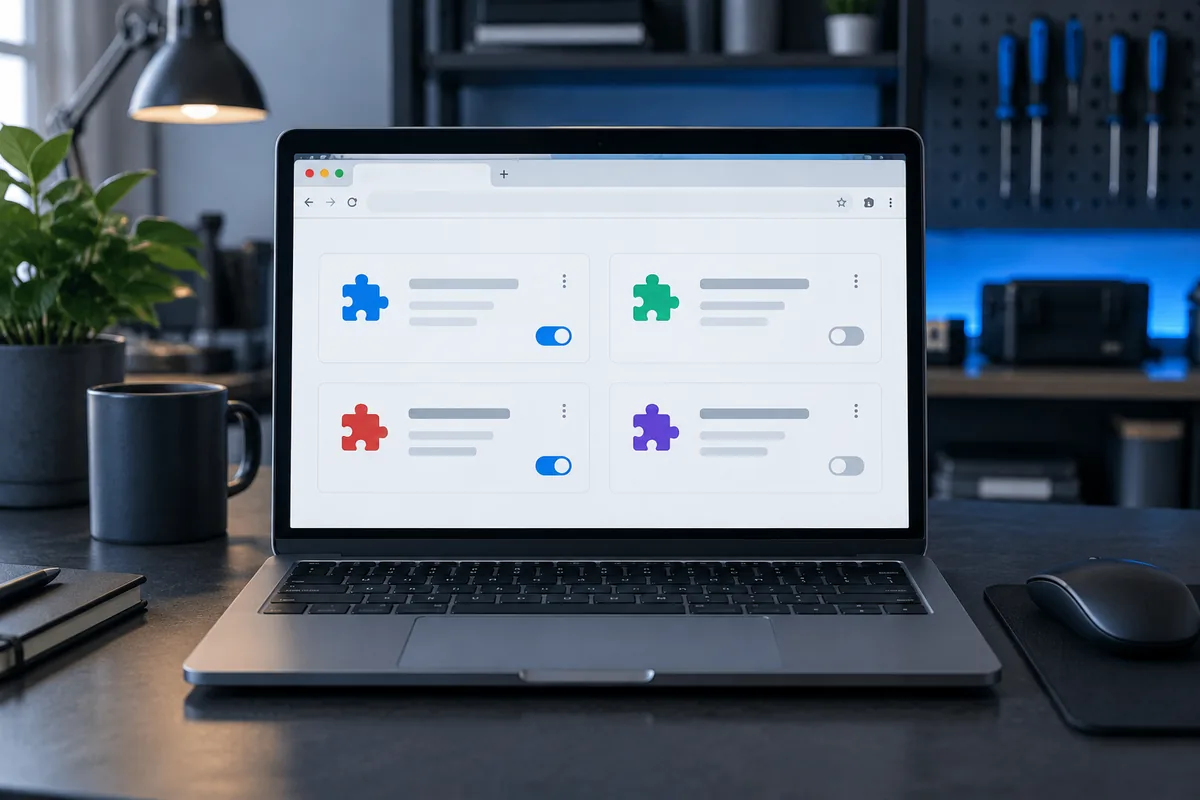
Temporarily disable an optional extension and repeat the same task. Removing everything at once obscures which change helped. A private window does not always disable every extension; some can be allowed in that mode.
Preserve profile information
Check bookmarks, saved sign-ins and synchronisation before resetting a profile. A new profile can provide a comparison without hastily deleting the old one. Discuss mandatory company extensions with the administrator.
Assess the remaining workload
Many tabs, a video call and large files can consume RAM without extensions. If other applications are slow too, broaden the investigation. Provide the browser version and a reproducible action rather than only a general complaint.
Need help?
Describe the symptoms and share the model. We agree on the work and price before repair.