A visible file can be a placeholder
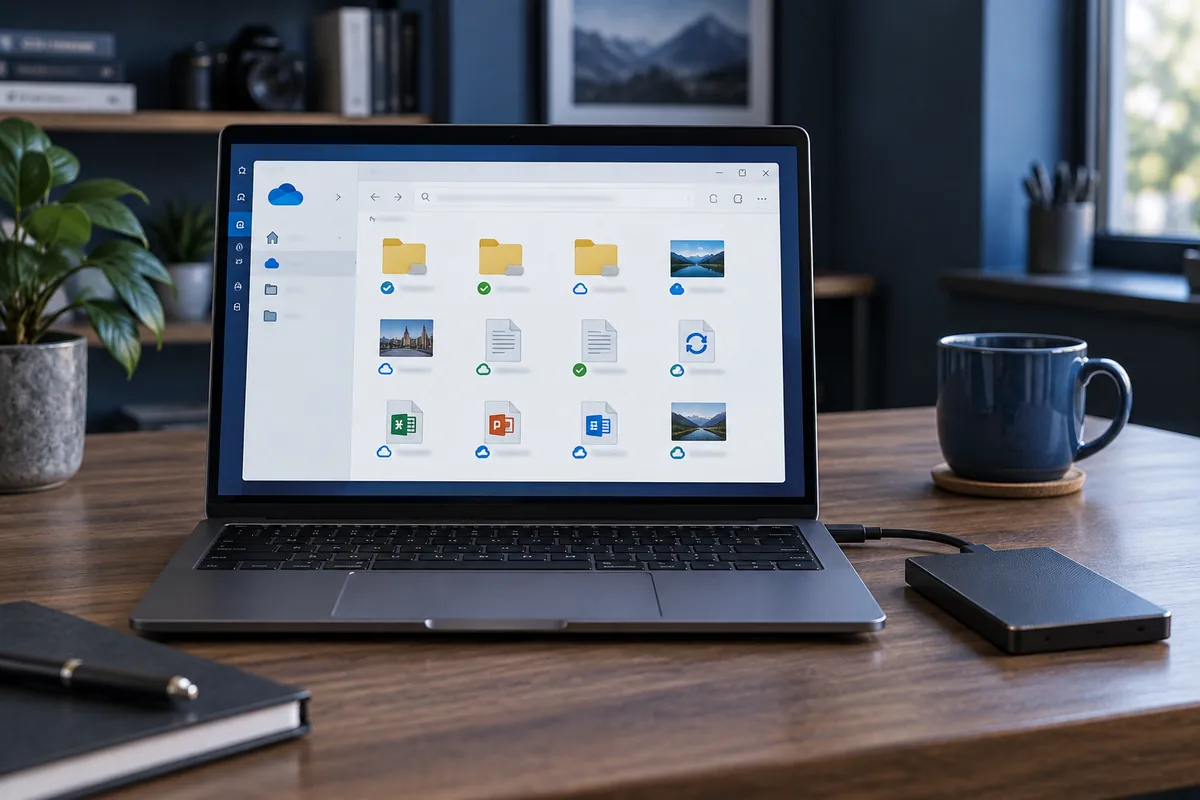
A name in a folder does not guarantee that the complete contents are stored locally. The file may download only when opened. Copying a directory listing is therefore not necessarily a usable document backup.
Verify availability
Choose to retain important folders on the device and wait for the client to report download completion. Sufficient disk space is needed. Open several files directly from the backup rather than through their original cloud paths.
Deletion can synchronise too
Do not clear a OneDrive folder assuming it affects only this computer. Changes can propagate to the account and other devices. An independent copy helps only when its actual contents have been downloaded and verified.
Before handing over the computer
Check account access and identify documents available only online. Do not send your password in an open email. Plan migration around the actual data volume, not merely the number of folders shown.
Need help?
Describe the symptoms and share the model. We agree on the work and price before repair.