Generate the report
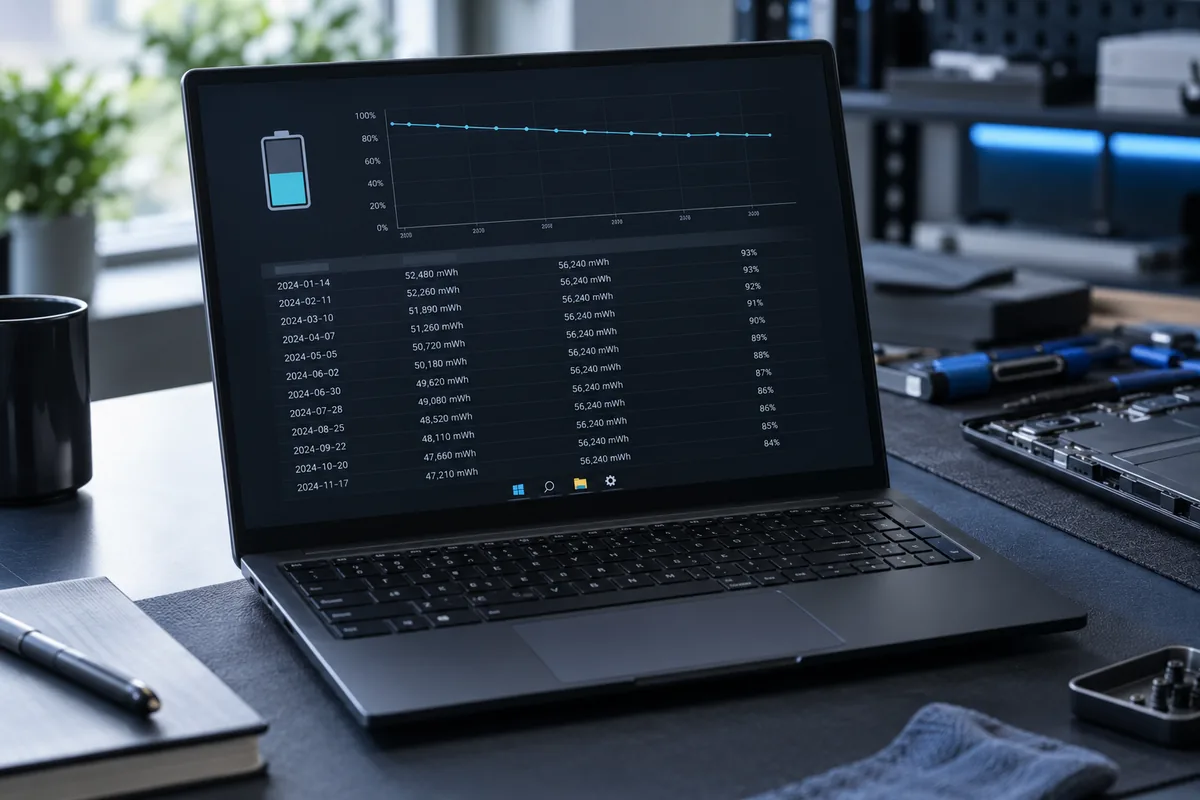
Running powercfg /batteryreport in Windows Terminal creates an HTML report and displays its location. Open the file in a browser. The command does not change battery settings. Before sharing the report, review the device and usage information it contains.
Compare the right figures
Design Capacity is the original rated capacity; Full Charge Capacity is the controller's current estimate. Compare values expressed in the same units. This is not a laboratory measurement: data can be incomplete or fluctuate after a battery replacement.
Why runtime estimates differ
Predictions depend on previous workloads. High brightness, video calls and games consume more power than reading documents. The estimated time is not a guarantee under every workload. Use comparable settings and tasks when evaluating changes in battery life.
What to tell a technician
Provide the model, battery age and specific symptom: short runtime, sudden shutdowns or failure to charge. Include capacity readings and your test conditions. Stop testing if the case is deformed; the battery needs a safe physical assessment first.
Need help?
Describe the symptoms and share the model. We agree on the work and price before repair.