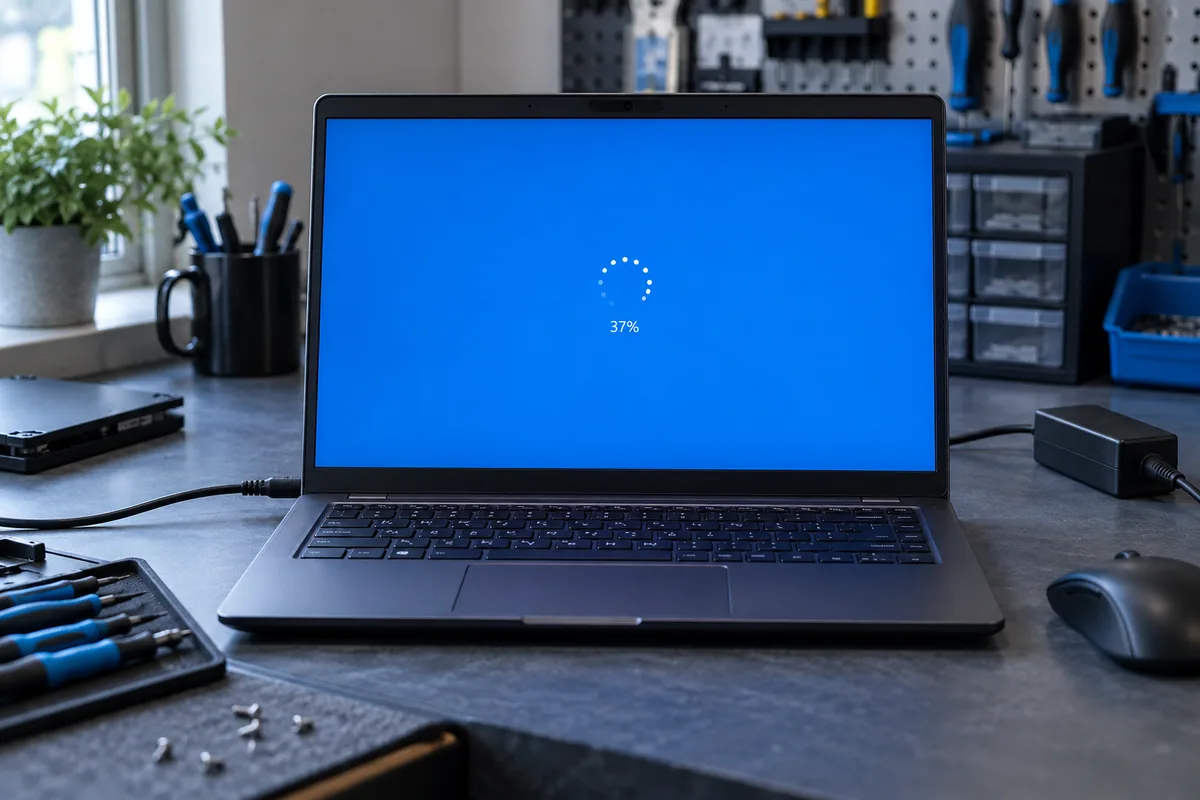
An unchanged percentage is not conclusive
Update stages progress at different rates. Record how long the reading has stayed unchanged and any other activity. There is no universal waiting time: update size, storage speed and previous device problems all matter.
Keep conditions stable
Connect a laptop to suitable power and place it on a firm surface. Do not close its lid if that triggers sleep. Interrupting power while the screen explicitly asks you not to shut down can damage unfinished changes.
Separate downloading from installation
Internet problems can stall downloading, but weak Wi-Fi alone does not explain an installation already running locally. Photograph the exact screen. If Windows remains accessible, check available space without deleting unfamiliar system folders.
If progress genuinely stops
Assess important-file backups and earlier errors before recovery. Repeated update failures may require Windows or drive diagnosis. Provide the update name and stage at which progress stopped, rather than only saying it froze.
Need help?
Describe the symptoms and share the model. We agree on the work and price before repair.