Identify when the loop began
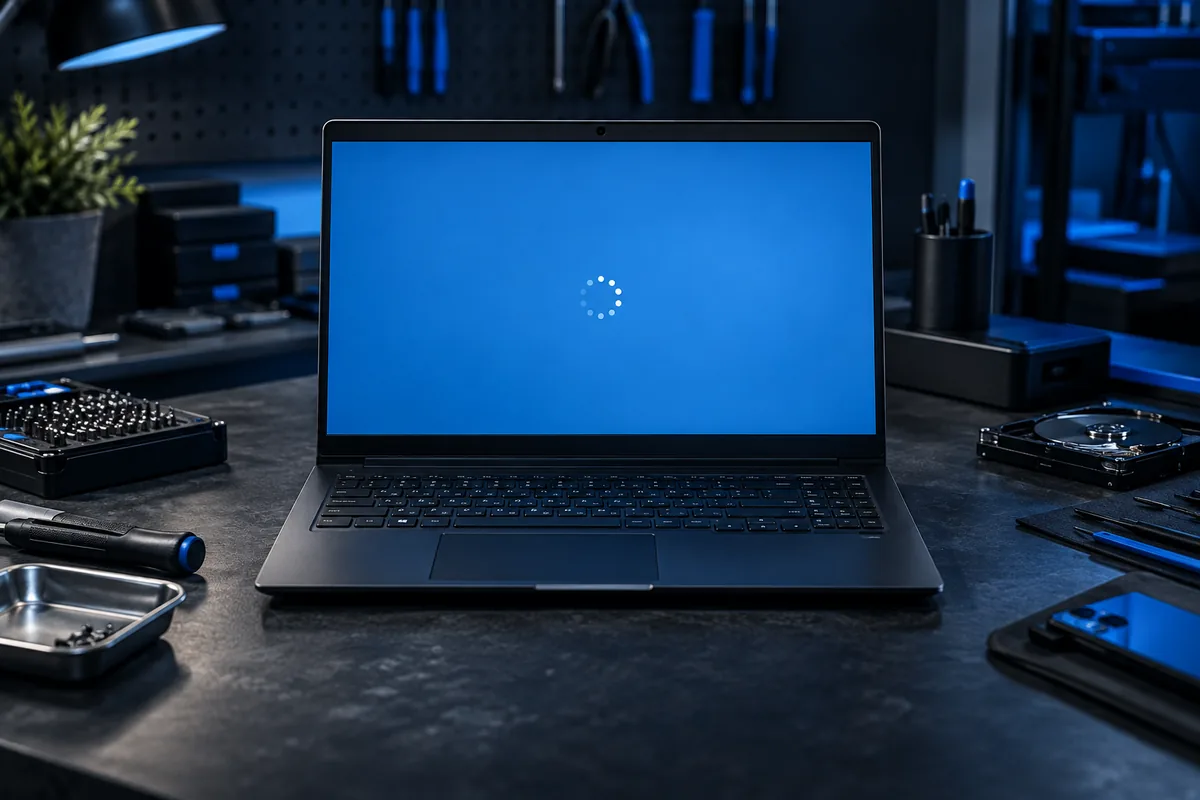
Note whether a power outage, update or drive replacement preceded it. Photograph the complete message and check whether recovery options appear. Repeatedly holding the power button is not a repair method and can interrupt work still in progress.
Protect data before recovery
Do not choose drive erasure if this PC contains the only copy of important documents. Assess the backup and encryption recovery key first. An attached backup drive must not be accidentally selected as the destination for a new installation.
Software or hardware?
Damaged boot configuration and unstable storage can produce similar symptoms. Earlier read errors or freezes make drive assessment a priority. Blindly copying commands from another computer’s guide does not suit every partition layout and may complicate recovery.
Agree on the required outcome
Explain whether applications as well as files must remain. The recovery method depends on the existing system’s condition; a clean installation is not automatically the first option. Provide the model, error photograph and details of recently changed components.
Official manufacturer guidance ↗
Need help?
Describe the symptoms and share the model. We agree on the work and price before repair.