Check the printer itself
Confirm it is powered on and read any paper, cover or other error. If supported, print the internal test page using the model’s instructions. If this fails without a computer, Windows is not necessarily responsible. Record the exact printer message rather than only the PC’s Offline status.
Check USB and networking separately
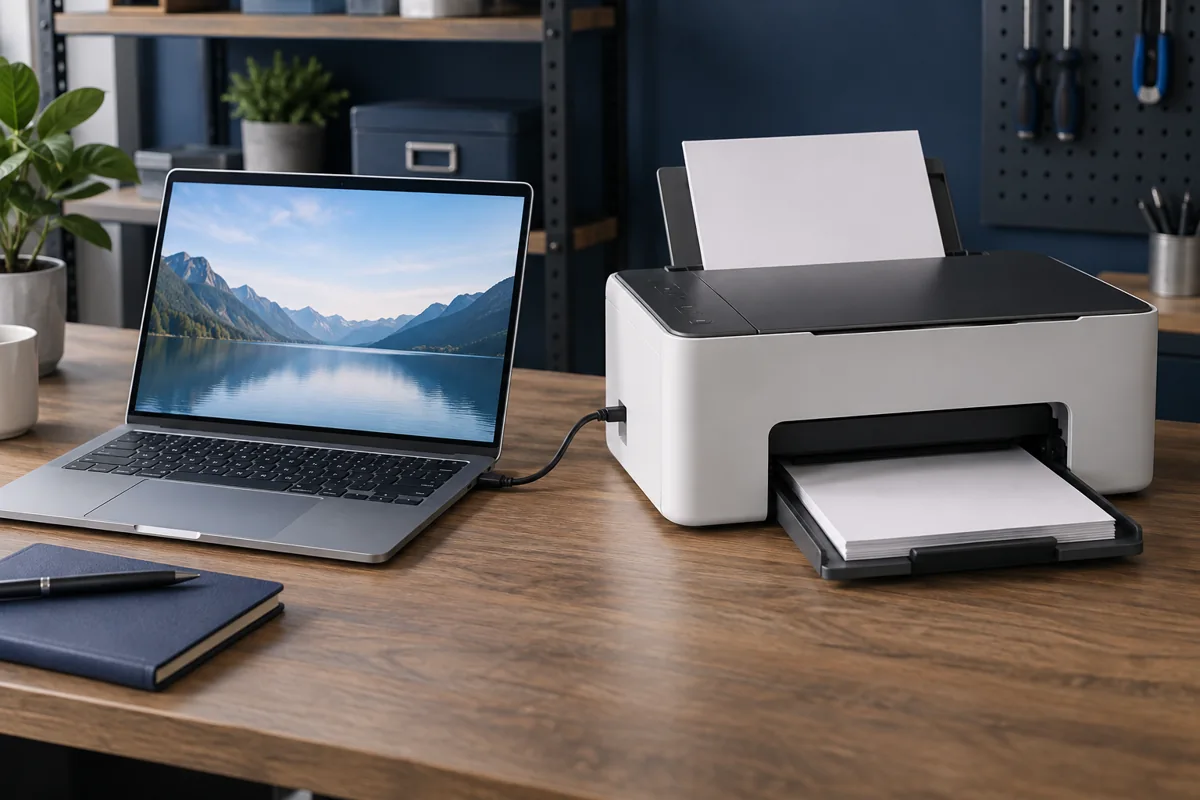
For USB, use a reliable direct connection without a hub. For network printing, the computer and printer must be able to reach each other. Guest Wi-Fi or client isolation can block communication even while internet access works. A phone reaching the internet does not confirm printer reachability.
Select the correct printer entry
Repeated installations can leave several similarly named entries. An application may send a document to an old entry or another connection type. Check the selected device and queue. Agree to cancel a stuck document before sending many more copies; otherwise they may all print when connectivity returns.
Drivers and network changes
Replacing a router, network password or computer may require connection setup again. Obtain the exact printer model’s driver for the operating system from the manufacturer. A similar model’s driver may support only some functions. Discuss port changes with the administrator for a shared company printer.
How can Kmvle help?
We connect printers to computers and configure related drivers and settings. We do not provide mechanical or electronic printer repair. Share the model, computer OS, connection method and whether other devices can print. This helps distinguish computer setup from a separate printer fault.
Quick checks
| Situation | What to check | What it means |
|---|---|---|
| Internal test page fails | Record the printer’s error | A printer repair service may be needed. |
| Works from another computer | Check local queue and driver | Connection configuration may be responsible. |
| Wi-Fi was changed | Recheck network reachability | An old entry may point to the wrong device. |
Need help?
Describe the symptoms and share the model. We agree on the work and price before repair.