Silence does not always mean failure
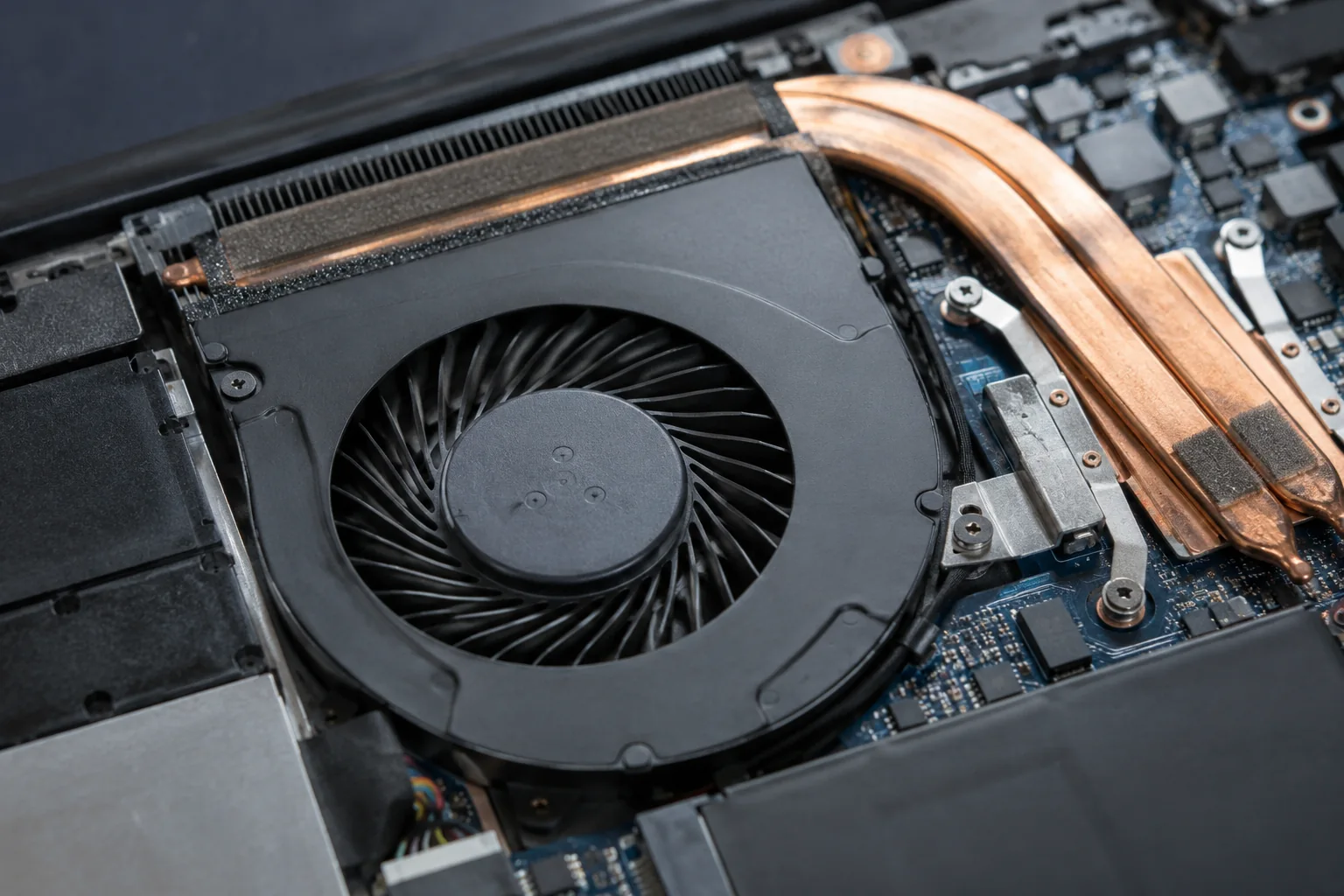
Some laptops stop their fans under light workloads. Consider the model and selected operating mode first. If the laptop is cool and stable and the fan starts as load increases, this may be normal control rather than a failed motor.
Look for several signs
Temperature changes, slowdowns and unexpected shutdowns matter. A zero RPM reading in an unfamiliar application is not conclusive: the utility may not support the relevant sensor. Record when the problem appears and whether the laptop was recently opened.
What to avoid
Do not insert objects through the grille or try to spin the blades inside a running laptop. Stop prolonged load tests if the machine gets unusually hot or shuts down. A failure after a spill or repair requires checking the connection, power and control circuitry.
What a service check covers
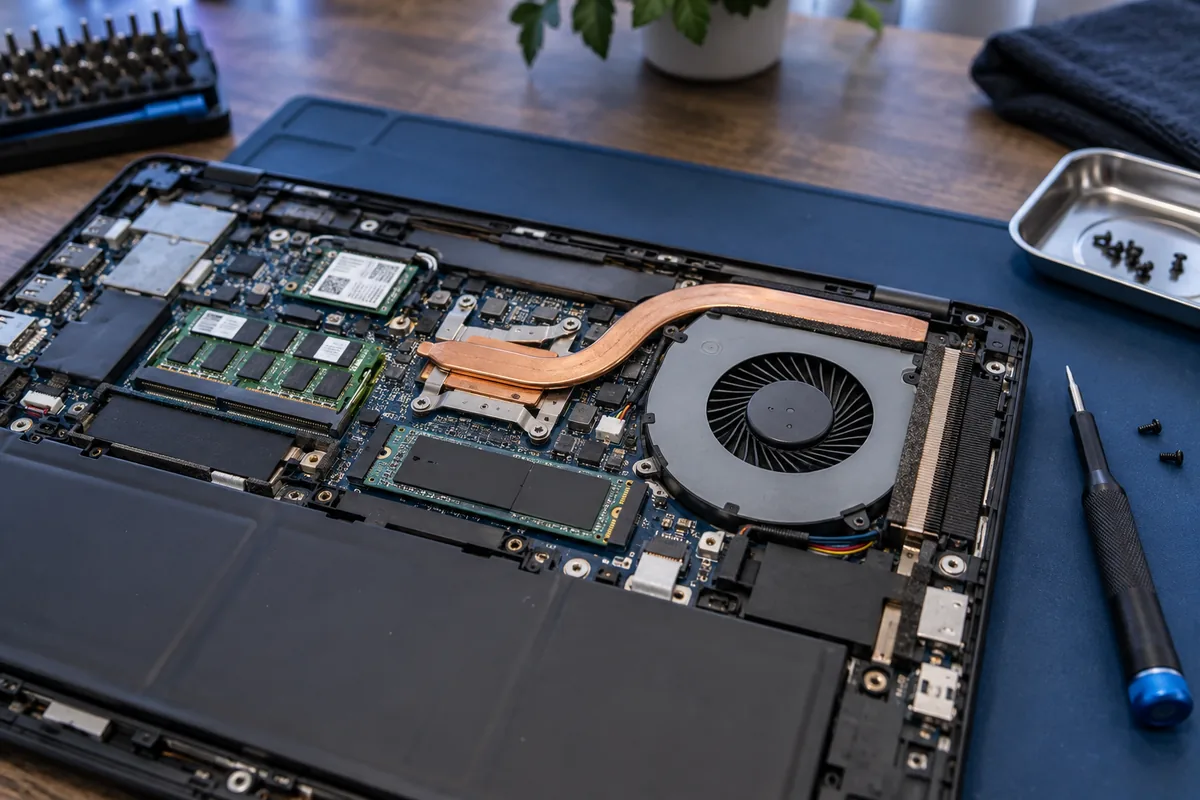
Checks include the fan motor, power supply, cable, obstructions and cooling assembly. Removing a heatsink to access the fan may require renewing thermal materials. The scope depends on the laptop's construction, not simply the size of its fan.
Need help?
Describe the symptoms and share the model. We agree on the work and price before repair.