Is one key failing, several keys or the entire keyboard? Different symptoms call for different checks.
Describe the issue precisely
List the affected keys. Check whether the problem occurs in one application or throughout the system. If different characters appear, check the selected keyboard layout first. Do not enter passwords on public keyboard-testing websites.
External keyboards
For a USB keyboard, check the connection and try another computer USB port. For a wireless keyboard, check power and connectivity. An external keyboard can help you use a laptop temporarily, but it does not by itself establish why the built-in keyboard failed.
After a liquid spill
Do not repeatedly test keys or switch the device back on after a spill. Shut down the computer and disconnect the charger. Tell the technician what liquid was involved and when it happened. A dry exterior does not prove that the inside is undamaged.
Before ordering a replacement
Confirm the exact model, keyboard layout and backlight requirements. Some devices require replacement of the upper case together with the keyboard. Discuss the part option and total cost before repair. One failed key does not always require replacement of the entire assembly.
Distinguish a layout issue from a dead key
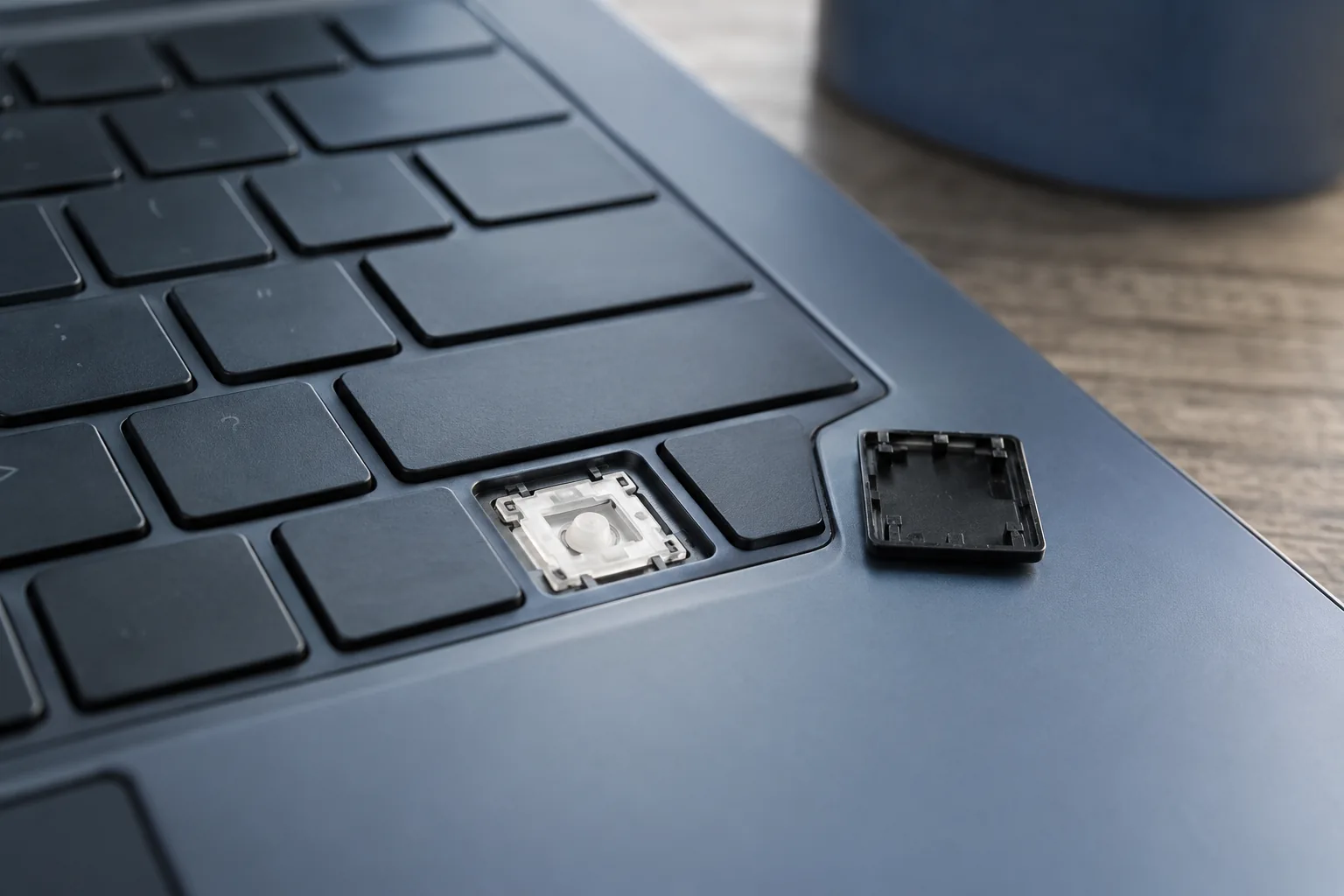
If typing works but symbols differ from the labels, check the language and layout first. If a key does not respond at all, note whether this happens in every application. Do not pull off keycaps without knowing the mounting mechanism: thin laptop mechanisms can break. After liquid exposure, stop software checks.
Practical checklist
- Check the selected keyboard language.
- List the keys that do not respond.
- Switch off the computer after a spill.
Need help?
Describe the symptoms and share the model. We agree on the work and price before repair.