Record what is happening
Photograph the unusual window without clicking its cleanup or payment buttons. Note the open application. A website advertisement, browser permission and installed malware are different situations requiring different responses.
Start with trusted protection
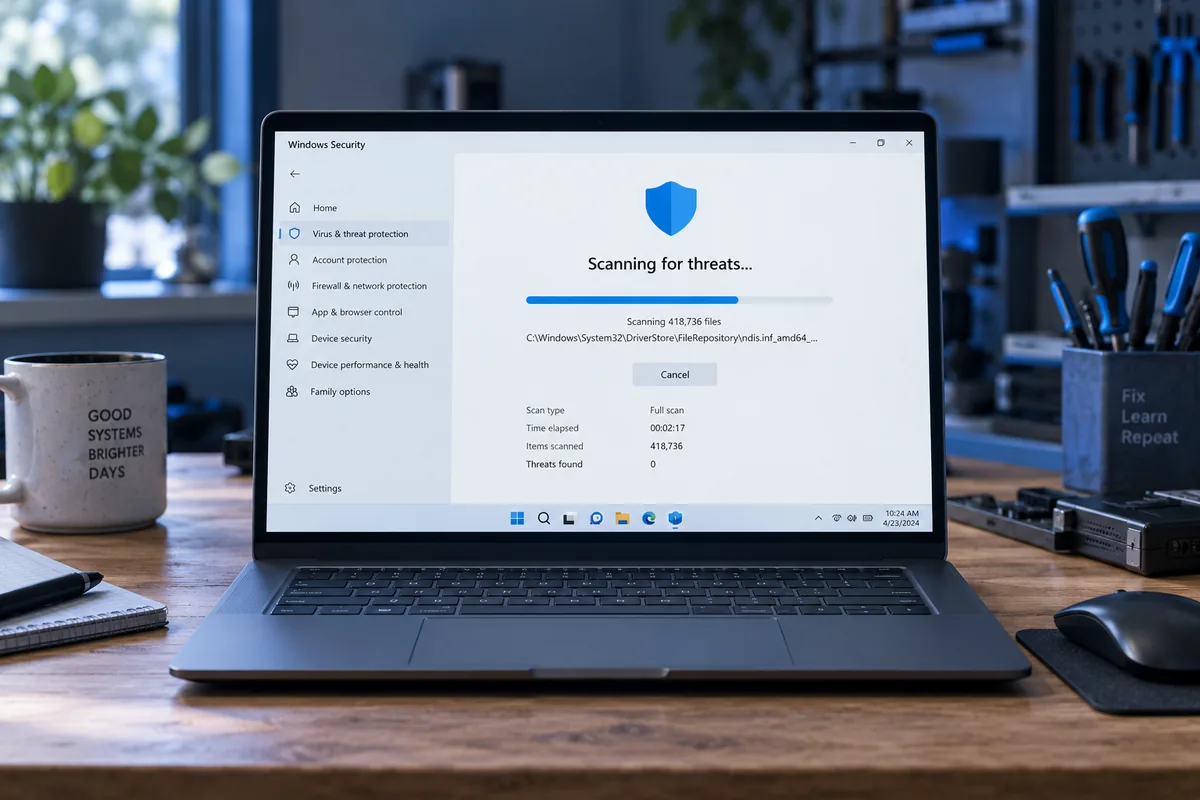
Open the existing security application directly, not through a suspicious pop-up link. Check its status and updates. Installing several random cleanup utilities can create conflicts and is not a sound first response.
Protect accounts and files
If credential theft is suspected, manage sensitive accounts from another trusted device. Do not send passwords to someone claiming to provide support through a pop-up. On a company computer, notify the administrator before removing potential evidence yourself.
When is a fuller assessment needed?
Recurring changes, unknown startup entries or disabled protection need systematic investigation. Backups can retain suspicious installers. Reinstalling and restoring absolutely everything may reintroduce the cause, so agree on a safe recovery plan.
Need help?
Describe the symptoms and share the model. We agree on the work and price before repair.